Online orders, straight to the counter.
NovaServe gives a takeaway, café or local shop its own online ordering page, for collection and delivery. Customers order straight from the business, not through a marketplace. Orders ring in on an Android tablet at the counter, and the whole business can be managed from a phone.
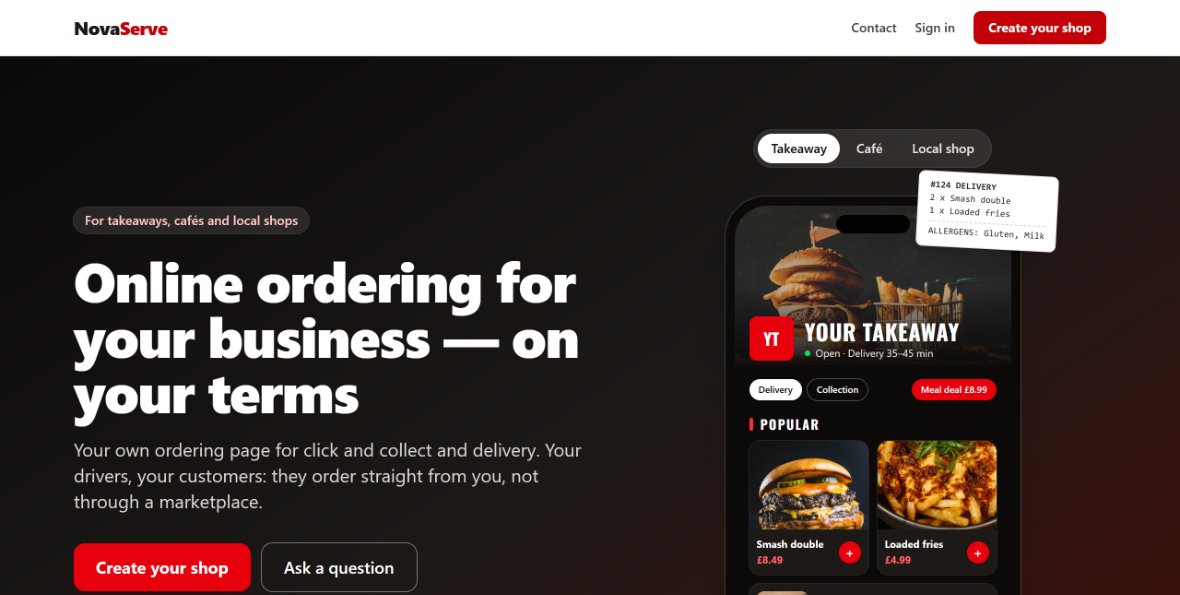
Your own ordering page
Each business gets an ordering page in its own look, at novaserve.uk/ followed by
the shop's name, or at the business's own web address. The menu or product list carries
photos, allergens, choices and meal deals, and customers can follow their order live once
it is placed.
A screen for the counter
- The Order Board app for Android. It runs on the shop's counter tablet. New orders ring even with the screen off, tickets print automatically, and a PIN lock keeps it to staff. NovaServe sets it up on the tablet, and it updates itself from then on.
- A counter till. Staff can take walk-in and phone orders on the same screen, plus eat-in orders where the shop has tables. Payment is recorded as cash, with the change worked out, or as card on the shop's own card machine.
- Accept, ready, out for delivery. Every order moves through the same few taps, whether it came in online or over the counter.
Manage it on the go
The NovaServe dashboard works on any phone, tablet or computer, and can be added to a phone's home screen. From a phone, the owner can do everything the dashboard does: watch orders come in, change the menu, mark items sold out, set opening hours, run offers, manage the team, change how the ordering page looks, and look back through order history.
Several people and devices can be signed in to the same shop at once, so the counter, the kitchen and the owner all see the same orders, and two order screens never print the same ticket twice.
Collection and delivery
The business sets its own delivery areas and fees. Its drivers use the NovaServe driver app on their own phones, opened from the browser and added to the home screen, and the wait times customers see allow for how busy the kitchen is.
Promotions and loyalty
- Offers of every usual kind. Percentage or amount off, free delivery (with or without a minimum spend), buy one get one free, and multi-buys.
- Rules that fit the shop. Offers can run with a code or automatically, for first orders only, for collection or delivery only, on chosen days and times, and with a limit that shows customers how many are left.
- Gentle nudges at the basket. How much more to spend for free delivery, a suggested drink or side at checkout, and "make it a meal" on single items.
- Loyalty. Stamp cards or points that bring regulars back.
- Promotion pages with QR posters for the window or the counter.
Which of these a business can use depends on its plan.
Payments
Card payments online go through the business's own Stripe account, so the money goes straight to the business. Cash and the shop's own card machine work at the counter as usual.
Not just takeaways
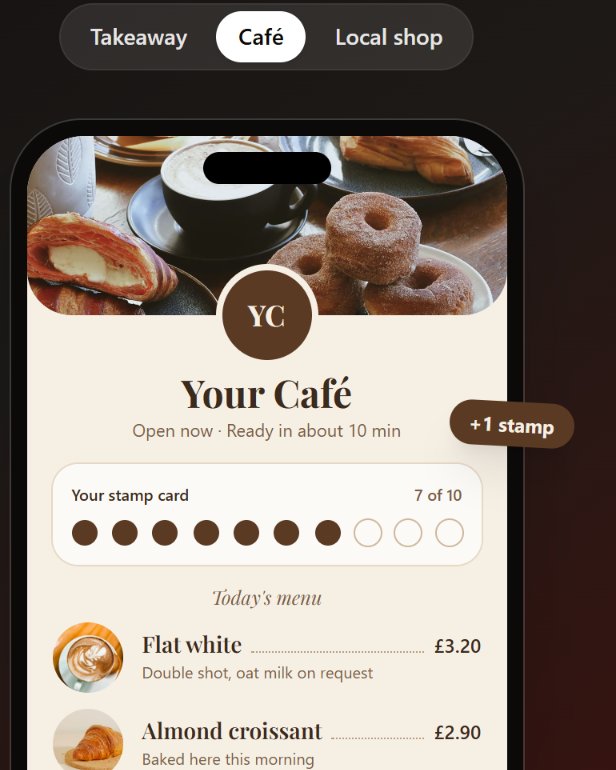
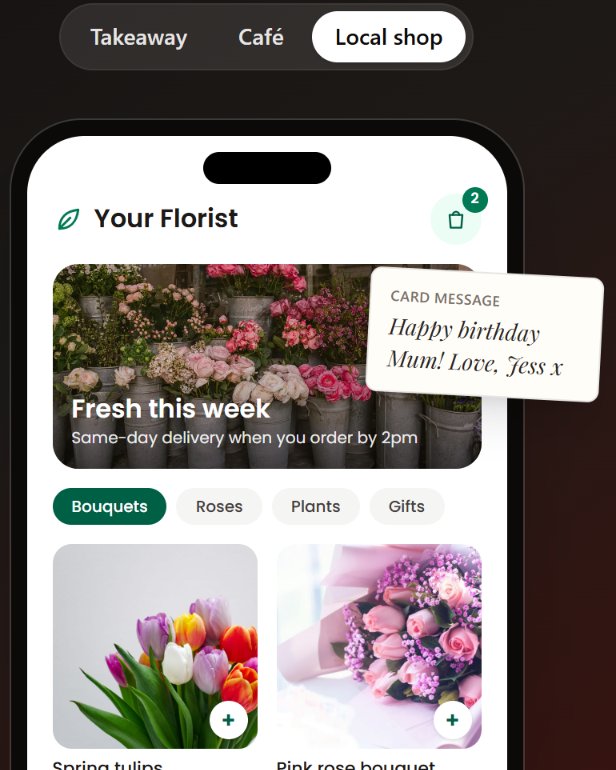
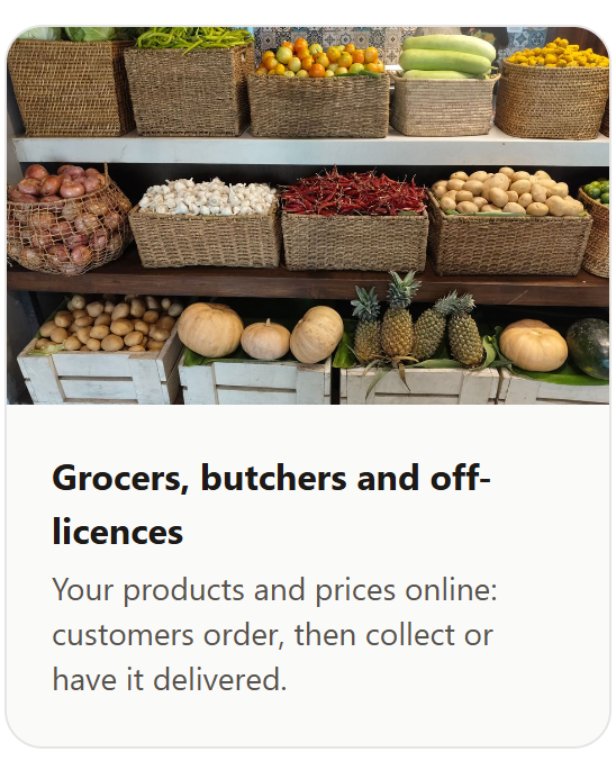
The same ordering page suits a café taking orders ahead, a florist sending flowers with a card message, or a grocer putting its shelves online. These are example shops from novaserve.uk; the shops and their products are illustrations, not real businesses.
What it is not
NovaServe is not a marketplace or a directory, so customers order from the business directly. It does not sell food or goods, employ drivers, provide couriers or hold customers' money. Each business remains responsible for its own food, allergen information, prices and deliveries. It works in the UK only.
Status
- Stage
- Live – pilot
- Brand
- NovaServe, a trading name of Embermont Ltd, at novaserve.uk
- Shape
- Hosted service, with an Android app for the counter tablet and a dashboard for any phone, tablet or computer
- For
- Takeaways, cafés and local shops in the UK
- Getting started
- Businesses can register their interest or create their shop at novaserve.uk